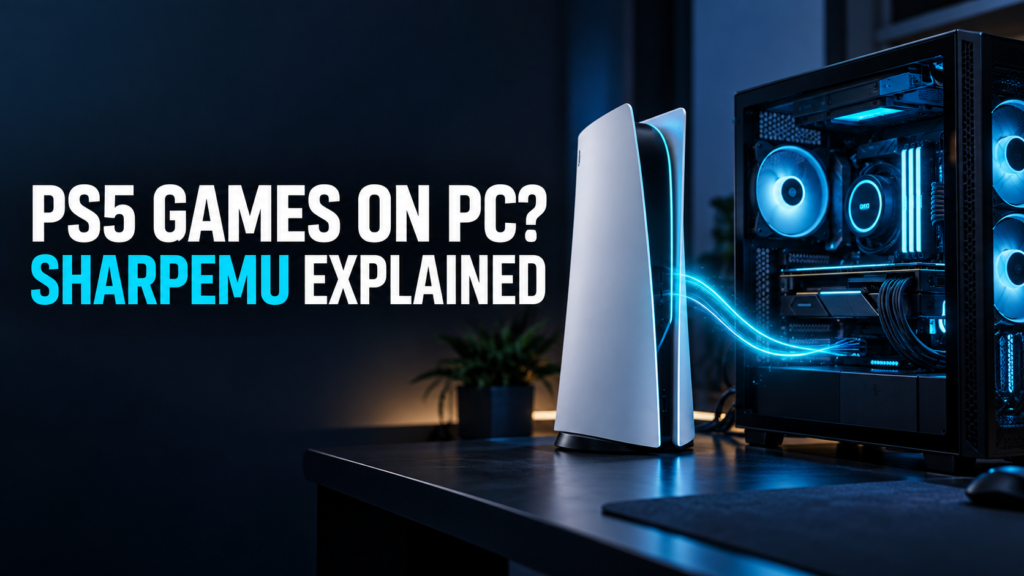
Seeing “PS5 games at 60 FPS on PC” in a headline is exciting. It also raises a fair question: could you install SharpEmu today and start playing the PS5 games you already own?
For a small number of games, people are seeing real progress. For most of the PS5 library, the answer is still no. SharpEmu is an experimental emulator, and what happens after you launch a game depends heavily on that particular title.
What is SharpEmu?
SharpEmu is an open-source PlayStation 5 emulator for Windows, Linux and macOS. Its developers are building it as a research project, and the software is still at an early stage.
Getting a PS5 game to run on a PC involves more than reading its files. The emulator also has to handle the system functions and graphics features the game expects from a console. SharpEmu supports some of those pieces now, but support varies widely from game to game.
Can SharpEmu really run games at 60 FPS?
The reported 60 FPS results concern a small group of tested games. They do not mean SharpEmu runs every playable game at 60 FPS, or that you will get the same result on your computer.
There is another distinction worth making: a game can open without being ready to play. It might display a logo, reach a menu or start gameplay before running into a problem. That is why the official SharpEmu compatibility list is more useful than a single FPS number.
When checked on September 28, 2026, the list showed 58 tested games. Eight were marked Playable, while nine were marked Ingame. Those figures are a snapshot; the project can add or update reports at any time.
“Playable” is also a status in a test report, not a promise of a perfect experience. Some games with that label still have reported sound or visual issues.
Which PS5 games work in SharpEmu?
A few entries show how different the results can be:
- Dead Cells — Playable: The report notes that in-game sound is currently missing.
- Tomb Raider IV–VI Remastered — Playable: The games are listed as playable, with occasional minor visual artifacts.
- Hades — Ingame: It can reach gameplay, but may get stuck on a loading screen.
- Demon’s Souls — Ingame: It has reached the game, though the report still describes major graphics and performance problems.
- Astro Bot — Menus: Its visuals remain incomplete.
- Grand Theft Auto V (PS5 version) — Menus: SharpEmu does not currently list it as playable.
This is why checking the game’s name matters. Progress on Dead Cells tells you very little about how Demon’s Souls or GTA V will behave.
Can you try SharpEmu on your PC?
Yes, if you have compatible hardware and understand that games may crash or fail to start. The official downloads page provides 64-bit builds for Windows, Linux and macOS. SharpEmu calls for a Vulkan-capable graphics card and an up-to-date graphics driver.
Before downloading it for a particular game, open that game’s compatibility report. Look at the status, test date, emulator build and notes together. An older report may describe a different result from a newer build, and the notes often explain limitations that the status label cannot.
SharpEmu does not include PS5 games or proprietary PlayStation files. Its GitHub project page says users should use legally obtained copies of their games.
Is SharpEmu an official PlayStation product?
No. SharpEmu is an independent project. It is not affiliated with or endorsed by Sony Interactive Entertainment.
If you were hoping for a simple way to move your entire PS5 library to a PC, SharpEmu is not there yet. If you enjoy following emulator development, though, its compatibility reports offer an interesting look at what is working and what developers still need to solve.
Frequently asked questions
Does “Playable” mean a game runs perfectly?
No. Read the notes on its compatibility report. A playable game may still have missing sound, visual artifacts or other issues.
Can SharpEmu play the PS5 version of GTA V?
Its current SharpEmu report is marked Menus, not Playable. Check the report again before trying it, since results may change with future builds.
Where can I check my game?
Search for it on the official SharpEmu compatibility page. Check when the report was submitted and which emulator build was tested.
Official references: SharpEmu project · Game compatibility · Downloads and requirements